Automatic replies and notification loops can quickly overwhelm your help desk, turning a few minor emails into a flood of unnecessary tickets. In this post, we explain how ServiceDesk Plus automatic replies can be managed effectively with mail filters and junk notification rules to keep your support system running smoothly.

We’ve had a few customers recently dealing with the same issue: ServiceDesk Plus automatic replies and notification loops flooding their help desk with unwanted tickets. It’s one of those small but frustrating problems that can quickly clog up your queue.
The solution is usually straightforward. Mail filters in ServiceDesk Plus Cloud prevent unwanted or irrelevant emails from ever becoming tickets. They can block ServiceDesk Plus automatic replies, restrict which domains can raise requests, or filter out emails with certain subjects or keywords. Essentially, they help your help desk focus on the tickets that really matter.

Recently, our technical team helped a healthcare trust clear out hundreds of automatic replies in just minutes. One simple rule in the mail filter and their system was running smoothly again.
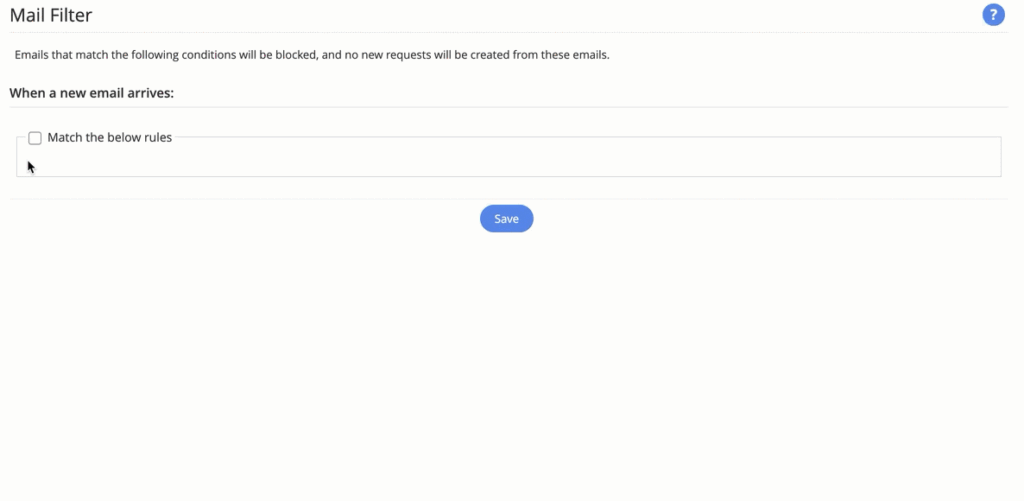
It’s not just incoming emails that can be managed. Junk Notification Filters can also prevent unnecessary outgoing notifications when informational emails reach the help desk. Another simple way to cut down on noise and keep communications purposeful.
Mail filters might not sound exciting, but they’re one of those behind-the-scenes features that make a big difference to everyday efficiency.
This article is relevant to:
CloudService Desk
Take the Next Step
Tap into the extensive knowledge of Set3 Solutions, your local UK ManageEngine Technology Partner, and accelerate your ManageEngine experience today.
Contact usOther recent articles in the same category
You may be interested in these other recent articles
Stay Ahead with the Latest Updates for ManageEngine Analytics Plus
29 September 2026
Discover the latest ManageEngine Analytics Plus updates, including new features, fixes, and enhancements.
Read moreLatest Updates for ManageEngine Endpoint Central
28 September 2026
Discover the latest Endpoint Central updates, including new features, fixes, and enhancements.
Read moreStay Ahead with the Latest Updates for ManageEngine OpManager
23 September 2026
Discover the latest OpManager updates, including new features, fixes, and enhancements.
Read moreLatest Updates for ManageEngine ServiceDesk Plus On-Premise
Discover the latest ServiceDesk Plus updates, including new features, fixes, and enhancements.
Read moreLatest Updates for ManageEngine ServiceDesk Plus Cloud
Discover the latest ServiceDesk Plus Cloud updates, including new features, fixes, and enhancements.
Read more