If your organisation uses Confluence as a knowledge base but wants to keep the IT team on ManageEngine ServiceDesk Plus Cloud, you’ll be pleased to know there’s an extension that links the two. We recently helped a customer in the automotive industry get this working, and there were a few things along the way that are worth knowing about before you try it yourself.
Why They Wanted It
The customer’s software and development teams were moving to Jira and Confluence, but the IT team wanted to stay on ServiceDesk Plus Cloud rather than follow them across to Jira. SDP is a proper ITSM tool and works well for an IT department. The problem was that Confluence was becoming the go-to knowledge base across the business, and they needed a way to pull those articles into SDP without having to switch between tools constantly.
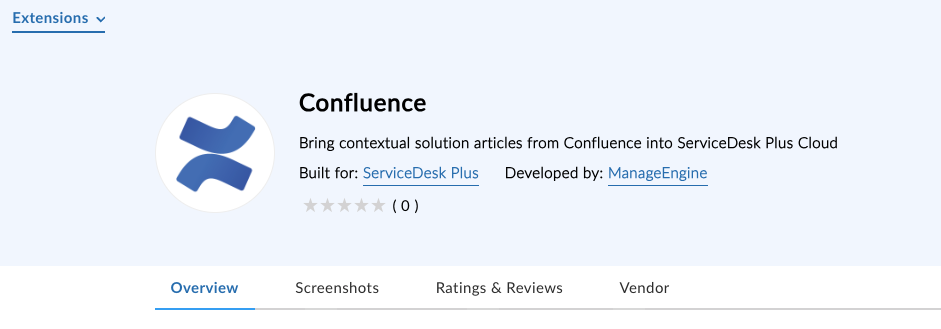
The answer was the Confluence extension for ServiceDesk Plus Cloud.
The First Hurdle: EU Data Centre
When they first tried to install it, the extension simply wasn’t available. The reason turned out to be that Confluence had recently deprecated some of their older APIs, and ManageEngine were in the middle of updating the integration to work with the newer ones. During that period, the extension was only available to US data centre customers.
If you hit the same wall, it’s worth knowing that the updated extension is now available across all data centres and can be installed directly from the ManageEngine Marketplace.
What the Extension Actually Does
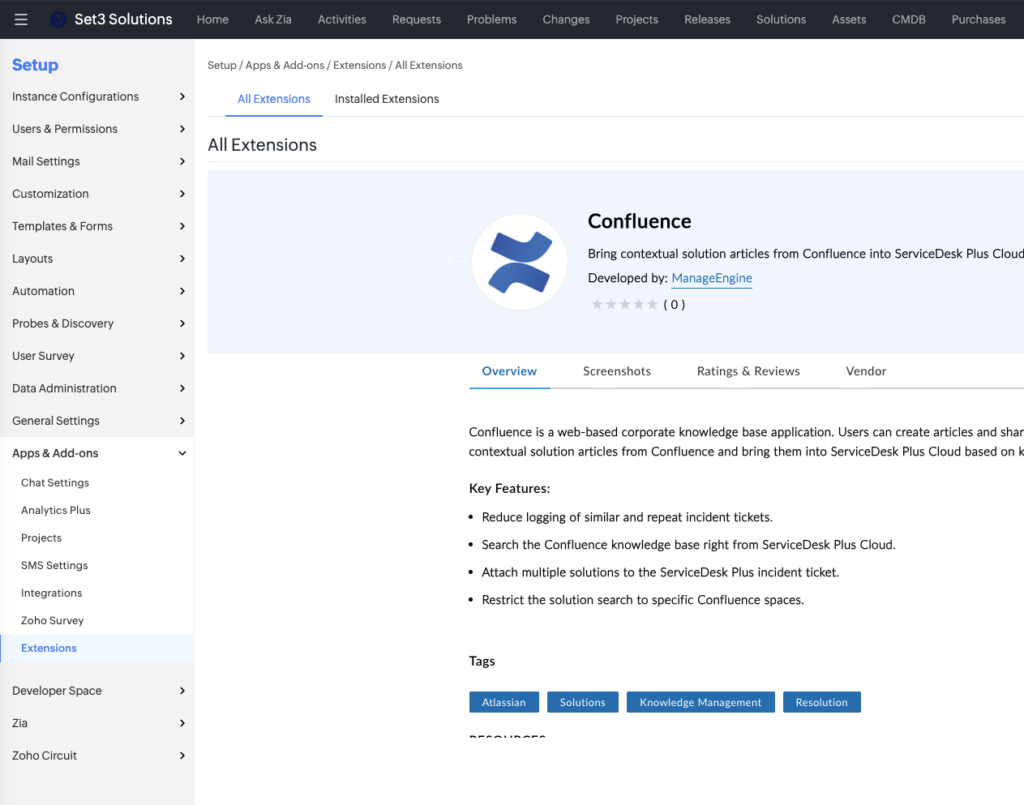
Once installed, the Confluence extension lets your technicians search the Confluence knowledge base directly from within a ServiceDesk Plus Cloud request, based on keywords from the ticket. No switching between tools, no copying and pasting from a separate browser tab.
The key things it can do:
Search Confluence from within SDP. Technicians can search for relevant articles without leaving the request they are working on.
Attach multiple solutions to a ticket. Rather than being limited to one article, you can attach several Confluence articles to a single incident.
Restrict searches to specific Confluence spaces. If you only want technicians searching within certain areas of your Confluence instance, you can limit the scope accordingly.
Reduce repeat tickets. By surfacing relevant knowledge base articles at the point of logging, it helps cut down on similar incidents being raised repeatedly.
A couple of limitations worth knowing about before you install:
It only works with text-based articles. Confluence whiteboards and databases don’t come across. If your team mainly uses standard text articles, you’ll be fine.
Longer articles get truncated in the resolution field. There’s a character limit on what gets copied across. If the article is lengthy, only part of it will appear along with a link to the full article in Confluence. This is a known limitation that was being addressed in a newer version of the extension at the time of writing.
One Thing to Check Before You Install
Make sure you have a default instance set in ServiceDesk Plus Cloud before installing the extension. It applies to whichever instance is set as the default, so it’s worth double checking this first to avoid any confusion about where it ends up.
Thinking About Connecting Confluence to SDP?
The integration is genuinely useful for teams in this situation, but getting it set up correctly and understanding its limitations before you roll it out saves a lot of head-scratching later on.
If you’d like a hand getting the Confluence extension working in your ServiceDesk Plus Cloud environment, our ManageEngine specialists are happy to help. Get in touch and we’ll take it from there.
Getting More From ServiceDesk Plus Cloud
As a UK-based ManageEngine partner, we work with organisations across a range of sectors on everything from initial setup to day-to-day configuration and beyond. Whatever you need from your ManageEngine products, our team are here to help.
Drop us a line and let’s have a chat.
This article is relevant to:
Service Desk
UK-Based ManageEngine Specialists
Set3 Solutions are an award-winning ManageEngine Technology Partner. Whatever you need from your ManageEngine products, our specialists are here to help.
Contact usOther recent articles in the same category
You may be interested in these other recent articles
Stay Ahead with the Latest Updates for ManageEngine Analytics Plus
29 September 2026
Discover the latest ManageEngine Analytics Plus updates, including new features, fixes, and enhancements.
Read moreLatest Updates for ManageEngine Endpoint Central
28 September 2026
Discover the latest Endpoint Central updates, including new features, fixes, and enhancements.
Read moreStay Ahead with the Latest Updates for ManageEngine OpManager
23 September 2026
Discover the latest OpManager updates, including new features, fixes, and enhancements.
Read moreLatest Updates for ManageEngine ServiceDesk Plus On-Premise
Discover the latest ServiceDesk Plus updates, including new features, fixes, and enhancements.
Read moreLatest Updates for ManageEngine ServiceDesk Plus Cloud
Discover the latest ServiceDesk Plus Cloud updates, including new features, fixes, and enhancements.
Read more